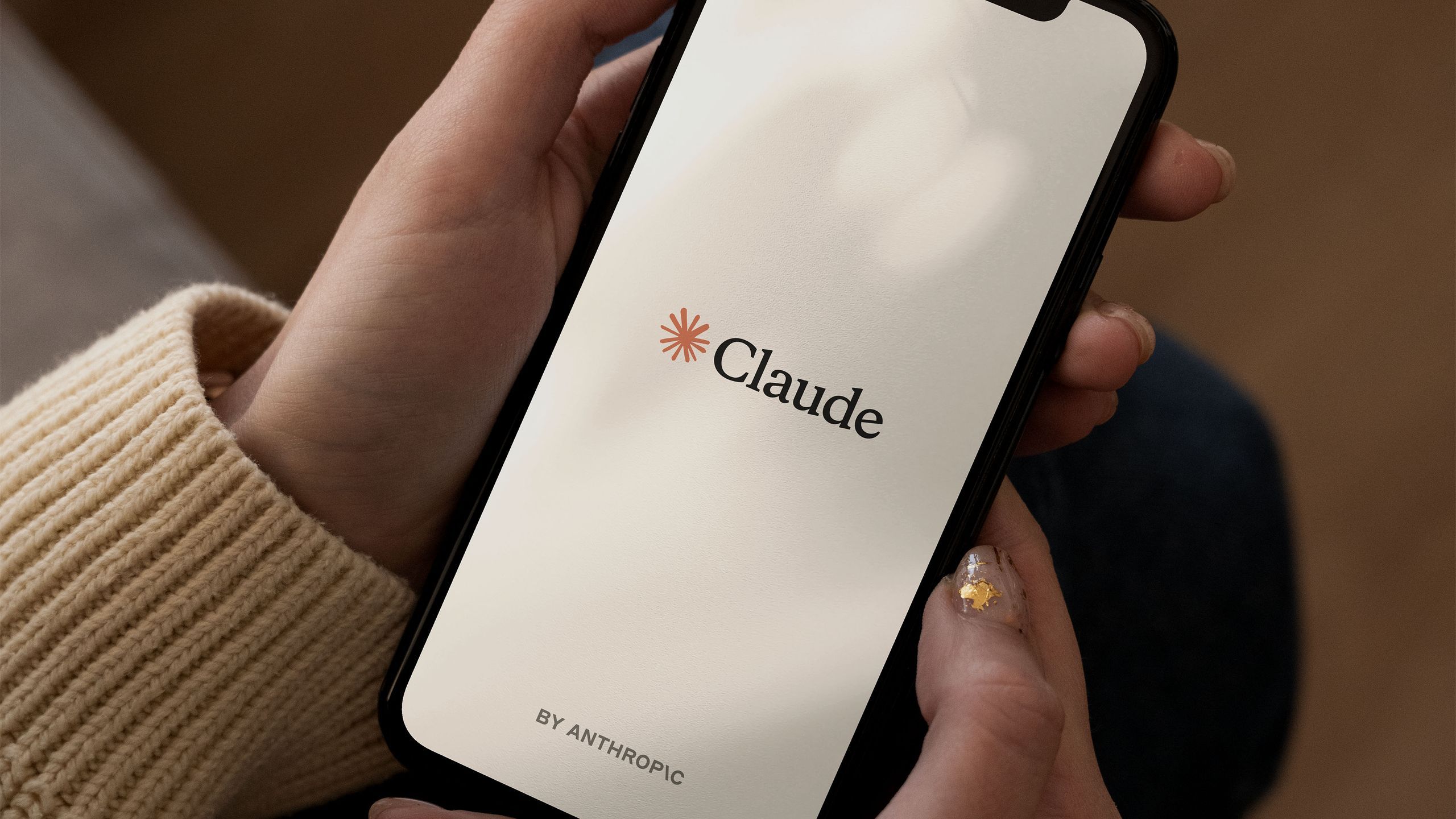
Particularly loved by programmers, Claude is one of the most well-known and used AI chatbots at the moment. One of its features is that it comes with Connectors: plugins that allow you to link the message box to third-party services like Spotify, Uber, and Slack.
Those connectors include several Google apps and I've been experimenting with Claude's Gmail integration. Email is one of the biggest time drains in my day, and if Claude could save me a few minutes here and there, it would be really helpful.
I was afraid to let an AI loose in my Gmail inbox, and there are reasons to be cautious, but Claude's analysis and actions worked better than I expected. Here's how you can get started and how the AI chatbot helped me.

Connect
There's obviously a privacy trade-off here: you have to be okay with Claude accessing your emails and seeing what you're doing.
Anthropic says personal data is not used for marketing or to profile its users, although text may be used to train its AI models; If you are not happy with that provision, you can disable it in Claude's settings.
There's also the very understandable concern that Claude will suddenly delete 100 emails behind your back, and it's another thing I was cautious about. However, I didn't encounter any problems during my testing, and if you want Claude to take action on your behalf, you can force him to ask you for confirmation each time.
To connect to Gmail from the Claude web app, click the + (more) in the pop-up box and then choose Connectors > Add Connector and search for Google email platform.
You'll need to sign in to your Gmail account and confirm the connection, and then you can invoke the Gmail Connector by referencing “gmail” or “email” in your prompts.

You can also get some quick ideas by clicking on the From Gmail button below the prompt box. To start, I asked Claude to analyze my email organization methods: I like to be neat and precise when it comes to email, and the AI was tremendously good at detecting how I used labels and the different groups I sorted my emails into (my inbox is a strange mix of work, friends, family, press releases, and general miscellany).
Claude also did a good job of telling me which emails I often leave unread (newsletters, social media alerts, and promotions, mostly) and giving me a nudge on emails I haven't responded to. I also liked its recommendations to better optimize my inbox, with smart suggestions for more tags and filters.
Your email inbox can say a lot about you and Claude helped me out pretty quickly. You can even create a personal profile and interactive chart based on your inbox – you can get an overview of the shades and styles you use most often. I'm “briefly efficient” and “low maintenance,” so form an orderly queue and task the editors.
Manage emails
Scanning and summarizing is useful and tends to be what the AI does best, but I also wanted to see if Claude could take some measurements for me. The biggest problem for my inbox is the avalanche of press releases, which can reach several hundred a day and which need to be organized and prepared for review.
While many of them are not useful or relevant, some are, and it is in applying this type of insight that I am cautious about AI (or any type of assistant) being able to handle. However, Claude proved to be an expert at detecting which emails were press releases and which were from companies or people he knew well.
Even better, I could apply my 'PR' tag to all relevant emails that didn't already have it, ready to sort later. If you want, you can confirm each action manually or have Claude perform them as a batch. Claude was able to do this quickly and accurately which really saves me time.

He even did a decent job of selecting the most valuable press releases from the general pile and summarizing the news they contained. This isn't something I think I'd completely hand over to the AI, but it's a useful way to quickly see if there's anything I've missed or get an overview when I'm short on time.
I also liked the way Claude could select all the services I'd recently subscribed to (an occupational hazard for a tech journalist) and remind me to close them. From what I could tell, he didn't miss much, and what I've seen so far has encouraged me to explore what else Claude could do in my inbox.
There were occasional errors, like when Claude told me I needed to respond to a review request email when I had already sent him a response, but they were few and far between. The usual 'check the AI works' also applies here, but it works enough to end up getting credit as an inbox assistant actually worth having.

Follow TechRadar on Google News and add us as a preferred source to receive news, reviews and opinions from our experts in your feeds.