Smartwatches in 2026 are basically mini smartphones, and in some ways they're even more ubiquitous, given their placement on the wrist.
The funny thing is that most people still use them as a fancy pedometer: steps, a few notifications, maybe a run now and then, and then a vague feeling of guilt when the rings don't behave. However, the really useful fitness features are not the most obvious ones. They're the quieter tools hiding in health dashboards, post-workout screens, and settings menus that you probably only opened once, when you first put on the watch, and never again.
Feature 1: Training Load
Training load (sometimes called workload) is a simple concept: your watch analyzes recent workouts and visualizes how hard you've been going, so you can see trends you might otherwise miss.
On Apple Watch, you can view it in the Workload view of the Activity app and scroll through the last seven days to get a quick idea of whether you've been building steadily, staying level, or quietly going overboard.
The practical advantage is that it discourages accidental hero weeks.
You also don't need to look at charts or micromanage your sessions. Just do a quick daily glance, plus a check-in after something particularly demanding.

Feature 2: Rate your workouts
Here's the problem with relying solely on pace and heart rate: two workouts can look identical on paper and feel completely different.
Heat, hills, lack of sleep, stress and even what you eat can change the demands of a session, even if the numbers don't say so.
That's why the effort rating, sometimes shown as perceived effort, is such a useful little add-on. Apple explicitly links this to training load, allowing you to record how hard a workout felt so the load image better reflects reality over time, while Garmin also has a smiley face rating system. You don't need to be ultra-precise either; The trick is consistency.
If you keep the meaning of your ratings constant, even in general terms like easy, moderate, and difficult, your training history becomes much more honest.
Feature 3: Set heart rate or pace goals
Most people use their smartwatch like a receipt: you do the workout and then look at the stats. Goals turn that around.
There are two styles of goals that are important for daily training. Heart rate targets are great for easy runs that accidentally get harder, and pace targets are great for steady sessions where you want to stay within a comfortable range.
In the Fitbit ecosystem, which covers both Fitbit devices and Fitbit-powered Wear OS watches, zone-based targeting and training goals are designed to keep you in the right intensity range throughout your session.
The trick is to find the goal first, because it's often hidden within training settings, custom races, or training options, not the default “start race” screen. Fortunately, it only takes a few minutes to find and set up.
Feature 4: Use your readiness score
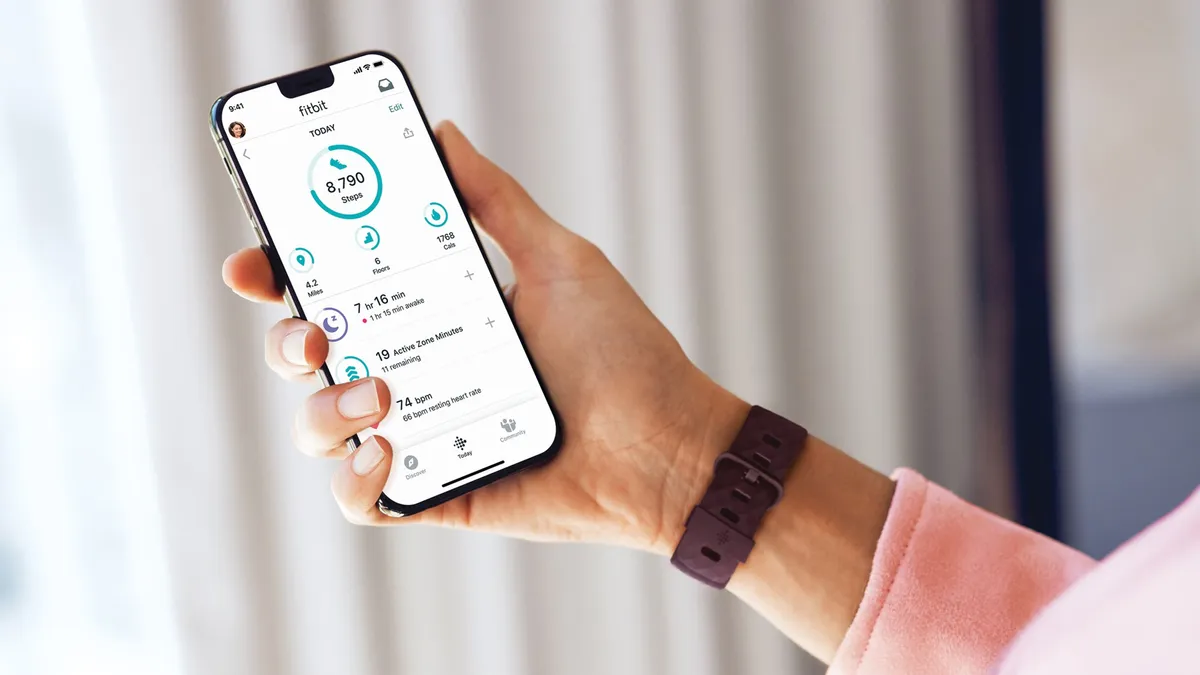
A readiness score is basically a daily tiebreaker. Instead of guessing whether you're ready for a tough session, your watch uses recovery signals to guide you toward the right type of workout.
In the Fitbit ecosystem, the daily readiness score is designed to reflect how prepared your body is for the activity, using factors such as sleep, recent activity, and heart metrics such as resting heart rate and heart rate variability.
It is best used as a decision tool, not a hard and fast rule. A low score doesn't have to mean “doing nothing,” but it is often a good indication to swap intervals for easy running, walking, or mobility work.

Feature 5: Check your vital signs
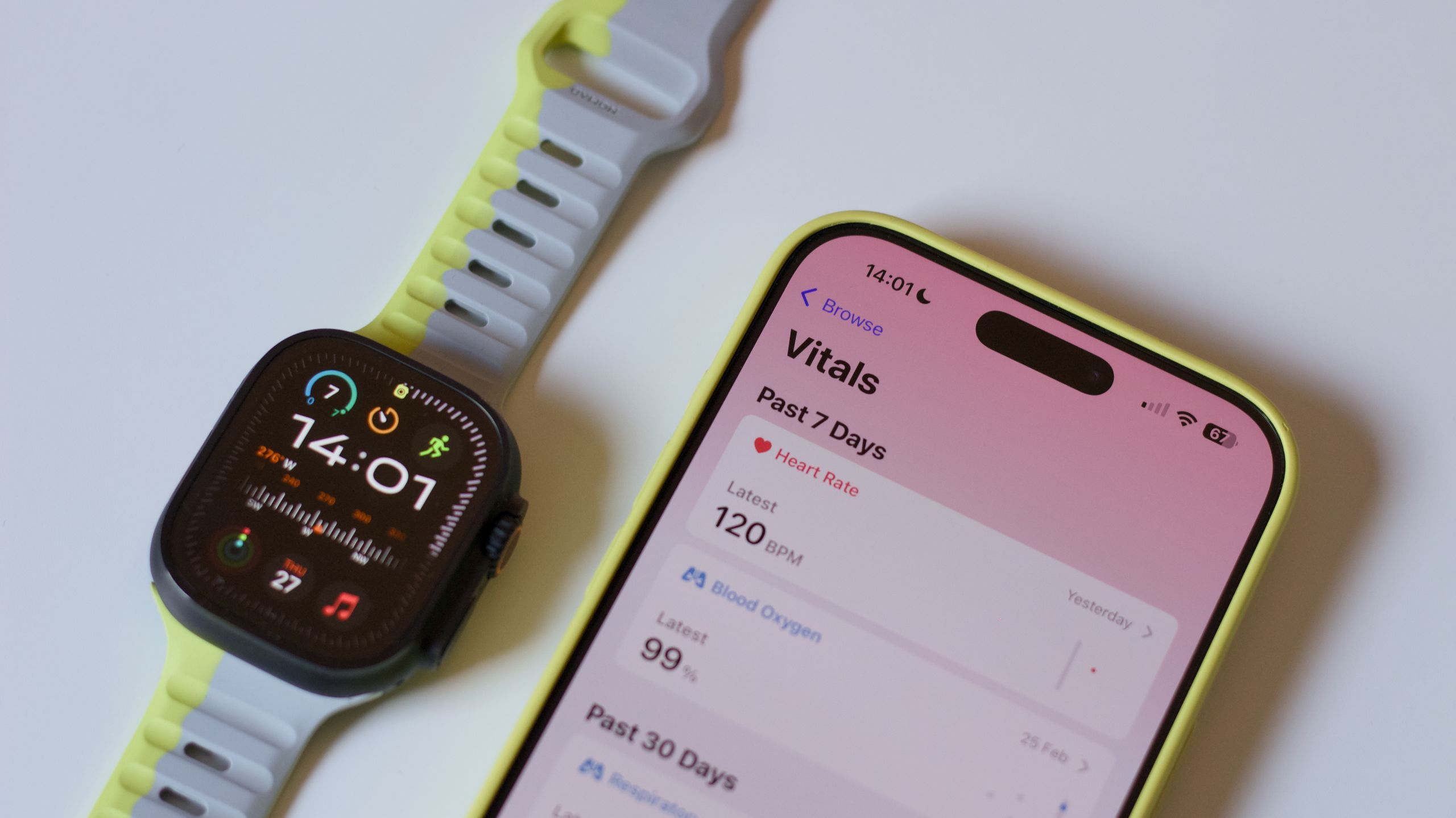
Some mornings you wake up and feel sick: not sick, just sluggish or strangely flat. This is where Vitals-style dashboards are really useful, because they turn a vague feeling into something that can be acted upon.
On Apple Watch, the Vitals app creates a typical range of nighttime health metrics that it collects while you sleep and then flags readings as outliers when they're significantly above or below your norm. Garmin watches offer a health summary with five key metrics, such as pulse and heart rate variability, as well as a morning report on how you slept.
If several metrics fall outside your typical range, you can also receive a notification the next morning, along with context for factors that may influence the results, such as medications, elevation changes, or alcohol.
It's important to note that you don't need to obsess over numbers. The simplest and most helpful habit is to treat it like a traffic light check on mornings when you're feeling questionable; If everything seems normal, you can train as planned.

Feature 6: Wrist Temperature Trends
Wrist temperature is easy to misinterpret, so it helps to set expectations up front – it's not a “take temperature on demand” feature and it's not about obsessing over a single reading.
The value is in night-to-night trends, which can add a useful layer of context when you're trying to determine if you're not recovered enough, traveling poorly, or just heading into a tough week.
On Apple Watch, wrist temperature is measured overnight and displayed as a baseline with changes from baseline, rather than a single absolute number, and it may take several nights of use to establish that personal baseline.
Feature 7: Irregular rhythm notifications
This one sits slightly on the side of pure fitness, but it's exactly the kind of feature people forget it has.
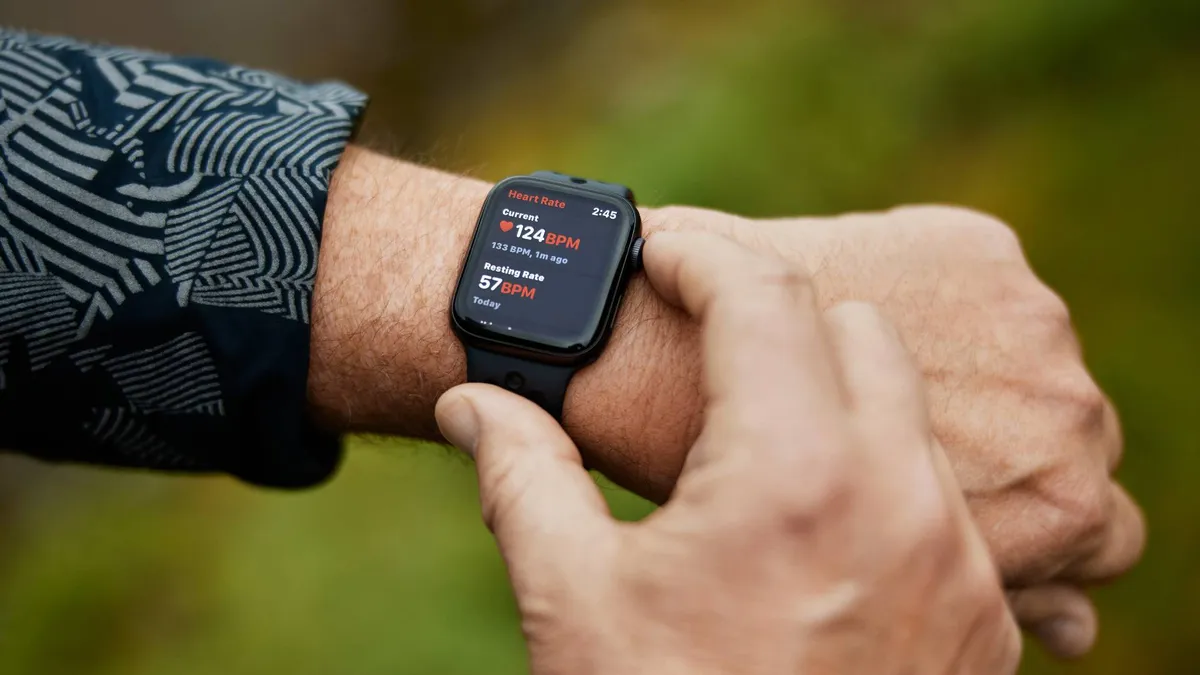
Irregular rhythm notifications can run in the background and look for signs of irregular heart rhythm, while the ECG is usually an on-demand test where you open an app and follow the prompts.
On Apple Watch, Apple describes irregular rhythm notifications as a feature that can occasionally check your heart rhythm and send a notification if it detects an irregular rhythm that appears consistent with atrial fibrillation. Fitbit, Google Pixel, Samsung and Garmin behave the same way.
We need to emphasize that this is No medical equipment, and you should contact your doctor for anything serious.
If your watch supports these features, it's worth enabling notifications and making sure you know where the ECG app is located.

Feature 8 – Use an adaptive running coach
Many people would run more consistently if they didn't have to decide what to do each time, which is why built-in training features can be a big advantage.
In Samsung's recent Galaxy Watch line, the company's personalized Running Coach is designed to assess your running level and create a personalized plan, with the training experience through Samsung Health.
The Fitbit ecosystem also relies heavily on guided training and fitness-style prompts, so it tends to be a natural fit for Wear OS watches that prioritize health coaching along with workout tracking.